

My suggestion is that Rain Alarm for mobile can be explained in possibly 6 slides:
Intro
Main function
Map
3 parameters / Widget
Subscription
End
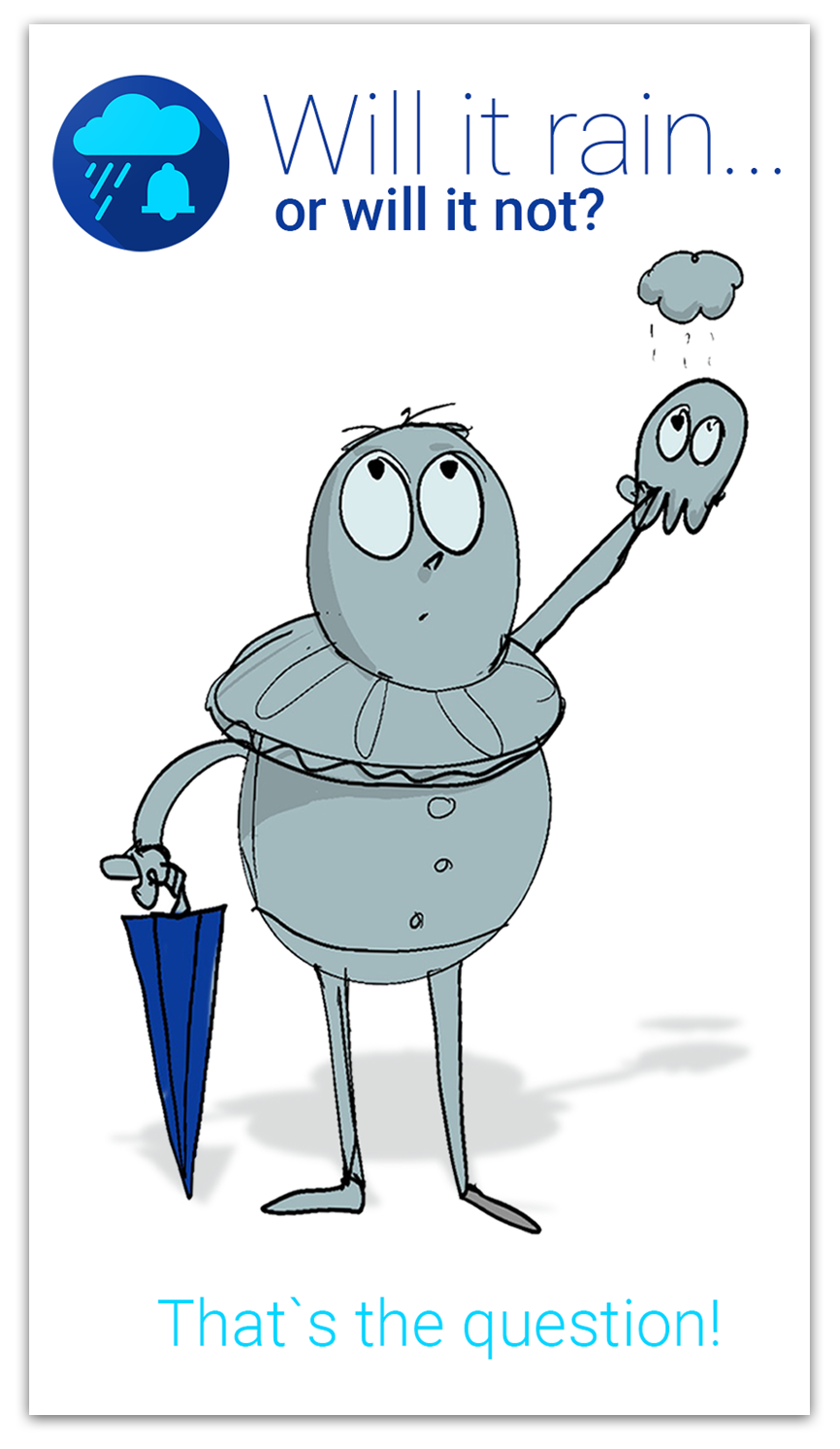
1.
The first picture could be a bit humorous. (It could also be skipped fully.)
It would make Rain Alarm stand out in a bit more personal way. Most weather apps are super tech-heavy and not personal, so one could try that. For example have a Shakespeare figure asking the question "Will it rain... or will it not rain, now that's the question".
2.
This could also work as the first picture. It could be a phone mock up, that shows a classical alert.
The text is just a rough suggestion. Maybe you just think it should be rain and nothing else, but I do think it is good to have a certain number on the alert. Here I put 30 min approx, so it has something a bit concrete, since "short time before it rains" can mean so much.
The version to the right would be more zoomed in, so it is easier to see the weather alert.
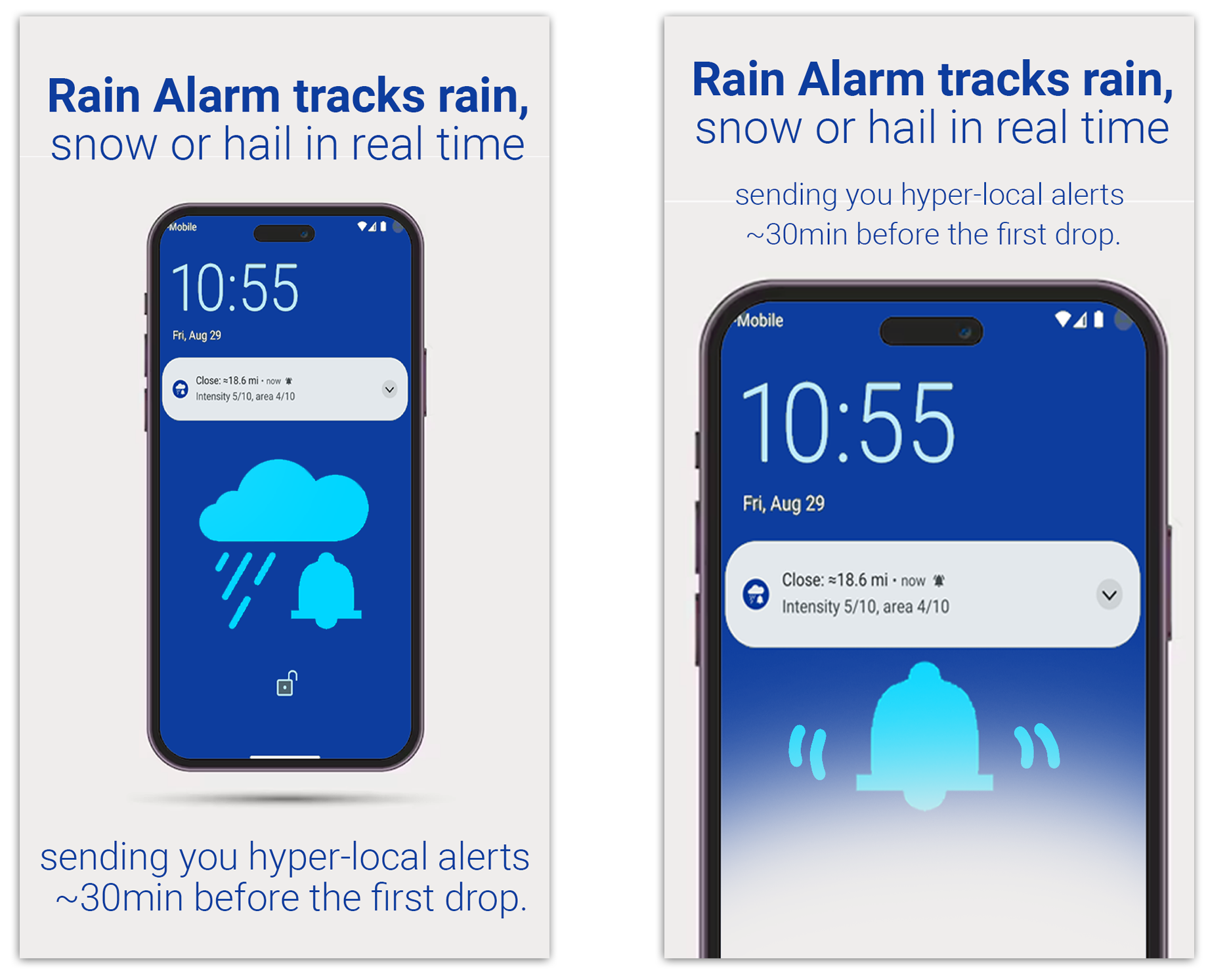
Note: In the mock up you see 10:55, Fri Aug 29.
Here we can add some info. Maybe the clock actually can show the alert time span, if it's from 30 min to 5 min. We could also maybe include that the weather data is updated each 5-15 min, and from multiple sources, etc. But won't look into how to do that if you don't like the idea.
3.
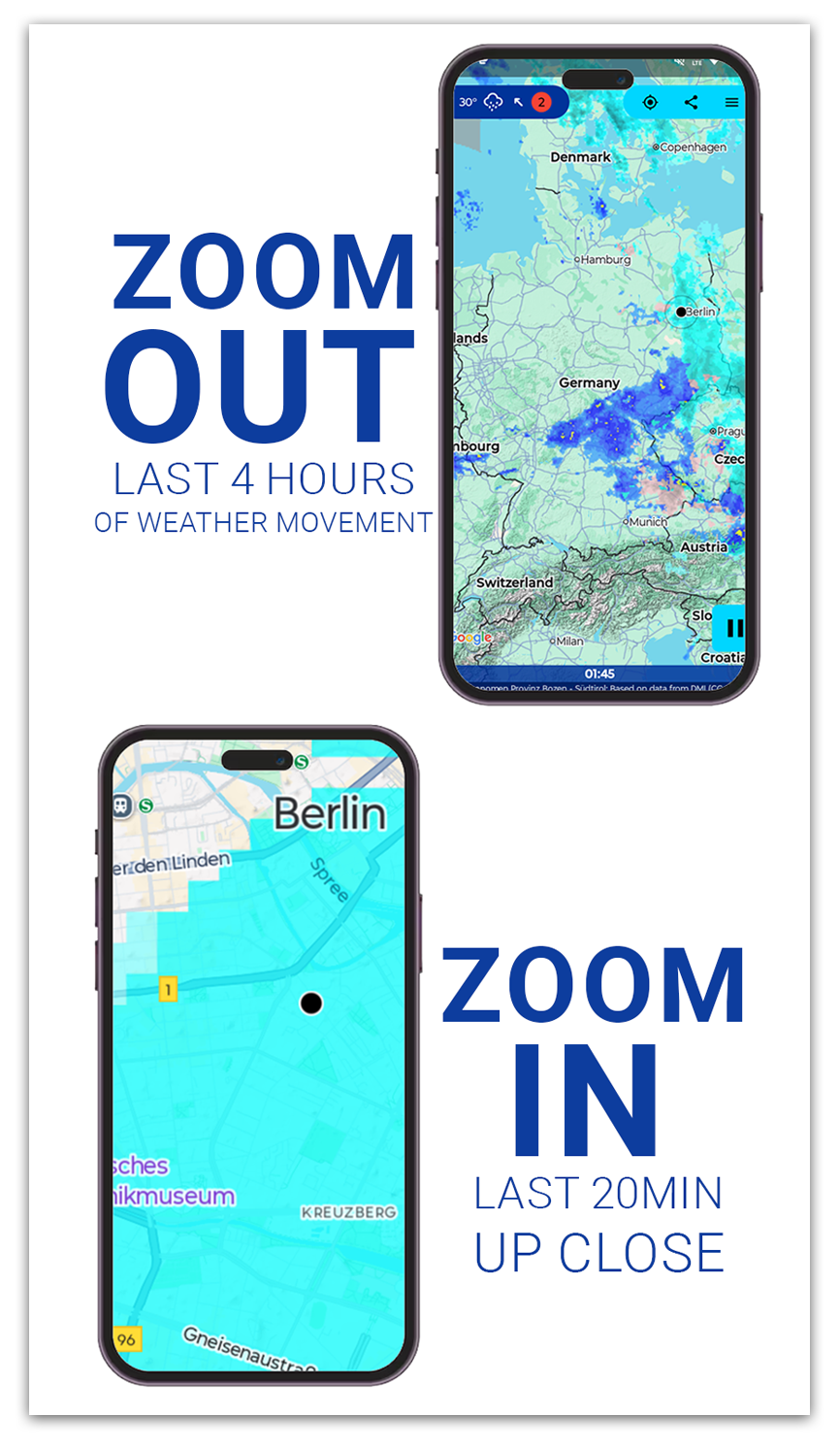
I think the map should be explained, so people understand better how it functions.
I did not know that it showed different times depending on how it was zoomed etc.
It could be split into two slides as well if this gets too packed.
One could add a sentence with maybe "so one sees how the weather moves, making it easier to know what to expect".
Note: I write "20 min up close" and "last 4 hours of weather movement". This needs to be changed, but just to have something. Meaning, when you zoom out you can better understand the bigger weather movements, and when you zoom in, you can almost get street view of the weather, making it hyper local. I think this is fantastic functionality, but it just needs to be explained clearly.
4.
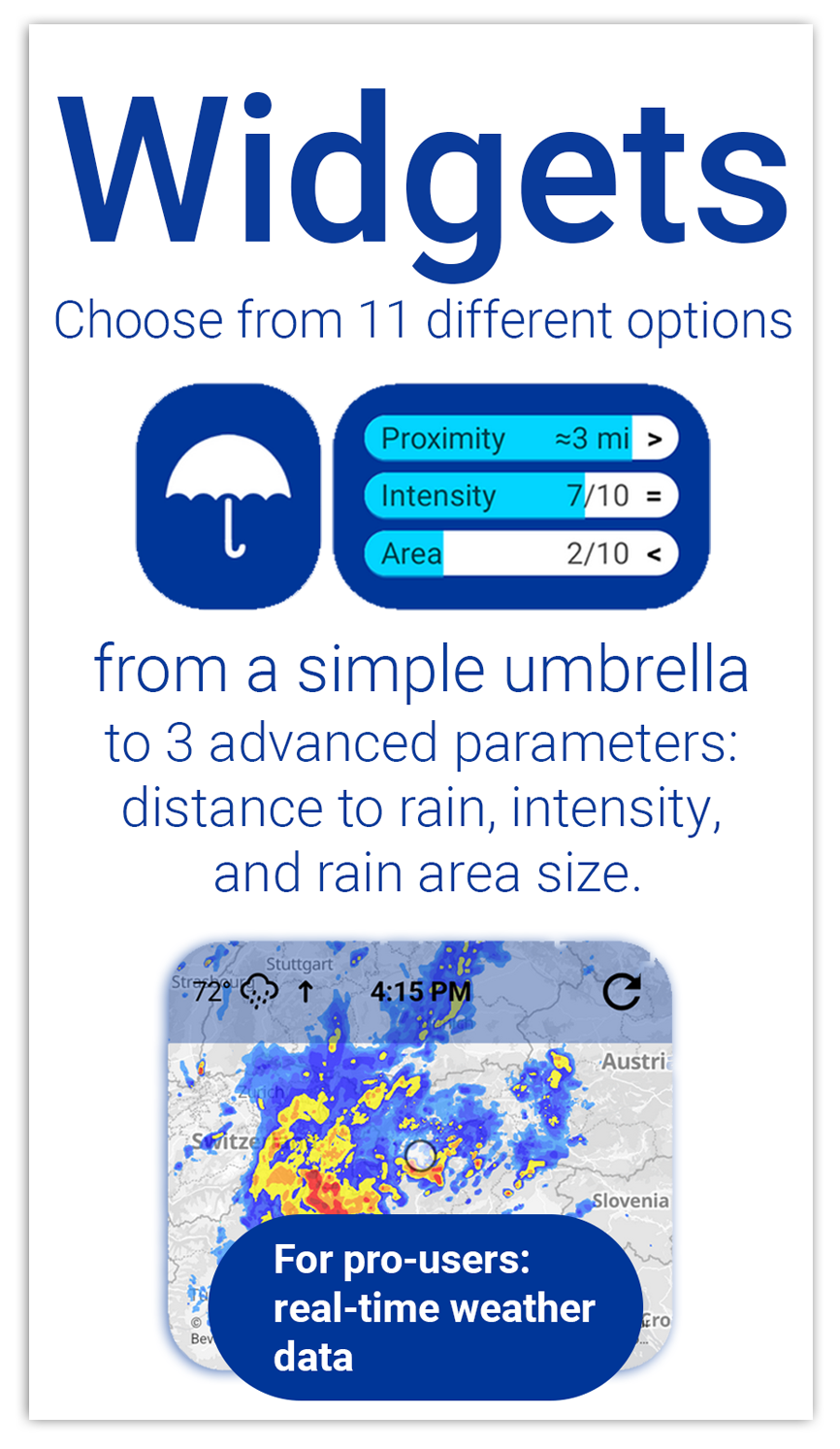
A info slide about widgets. This is just a super rough suggestion, and I am not sure if 11 is the right number, and if it correct with the pro-users / subscribers.
This can be presented in many different ways, but I just add this here more to suggest a slide with Widget info should be included.
Note:
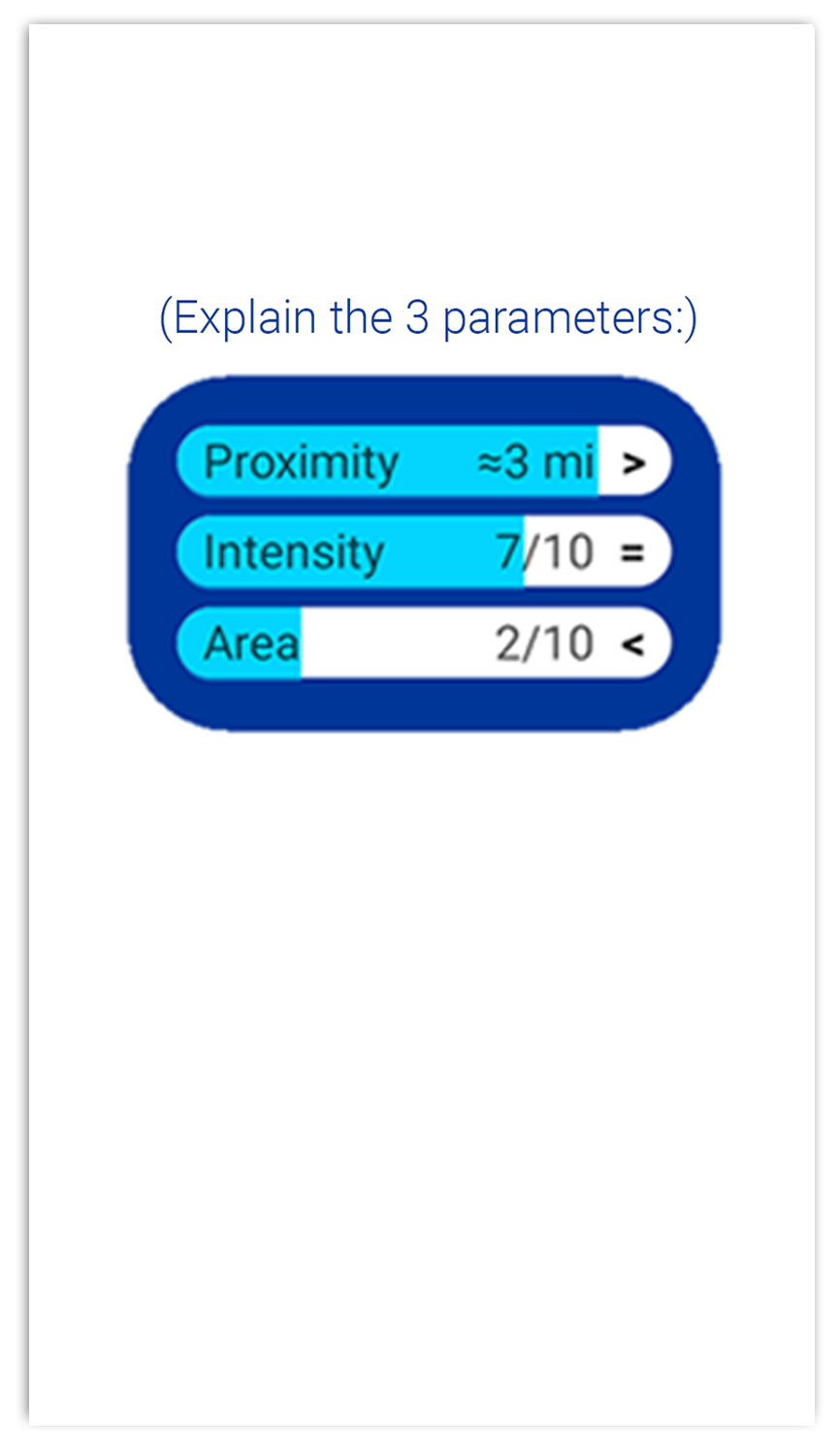
It could also be split into 2 slides, since the widget with the 3 different parameters could be given a bit more space.
To make it more clear to people what the 3 parameters mean, for example I always struggled with understanding that area means how big a part of the sky is covered by the cloud, etc., so could use a bit more space to make it clearer what the 3 different parameters measures.
***
I believe maybe that would be better. So the slide here to the left with the 3 parameters would be explained, and come after slide 2. And then Widgets could be included after this slide, so it would be slide 4.
5.
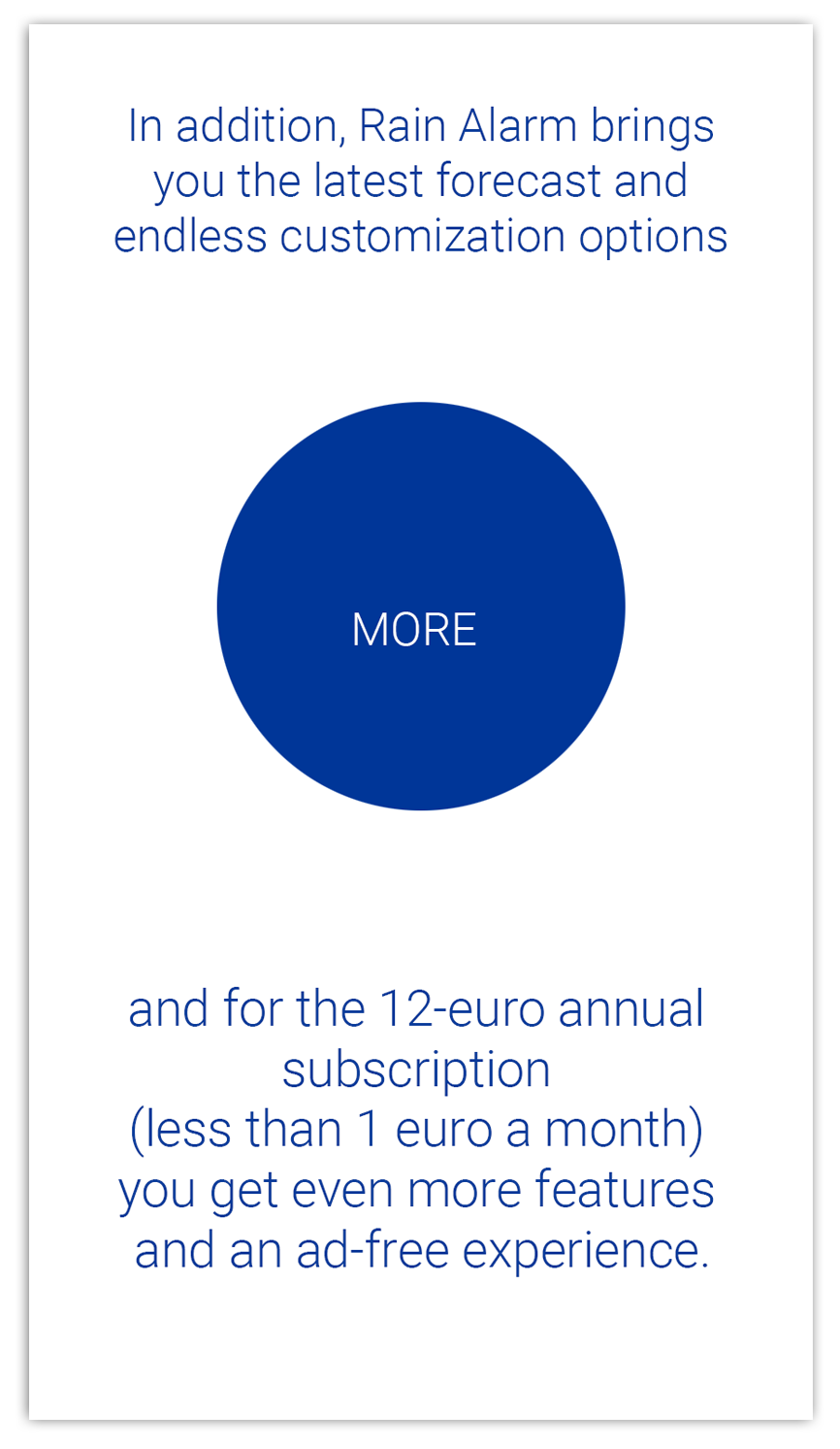
I think we maybe can have a slide that explains a bit more the other Rain Alarm's great functionality and customization options, and also maybe pitch the subscription option for Rain Alarm as well?
Super rough here, just to have something as a starting point if you like the idea.
6.
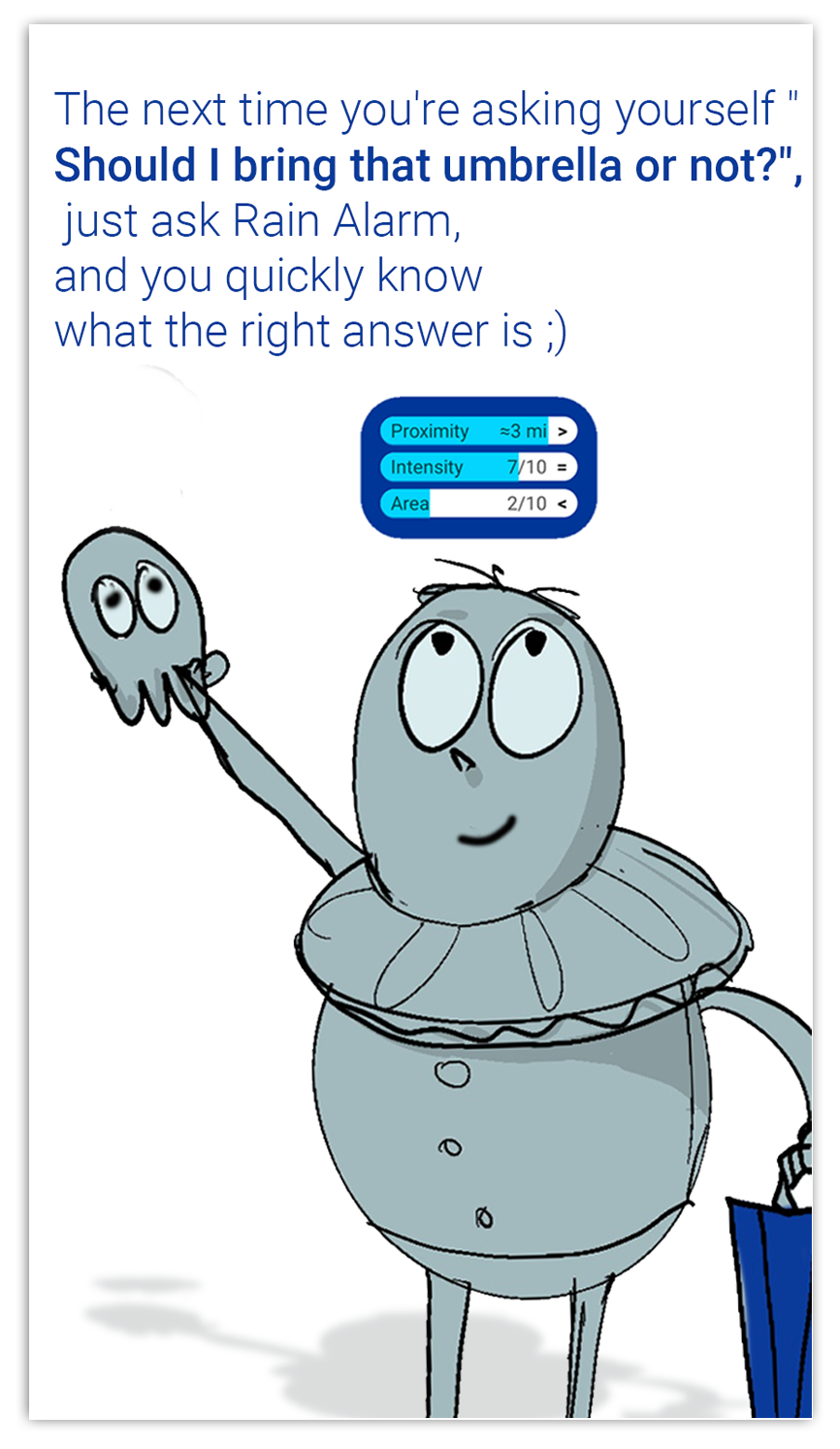
If you like the idea with a figure intro picture (1.), we could have an end too. This is super rough, just to kind of have a conclusion on what Rain Alarm does giving one general example that I think both girls and guys can relate to.
This can also be fully skipped.
Summary:
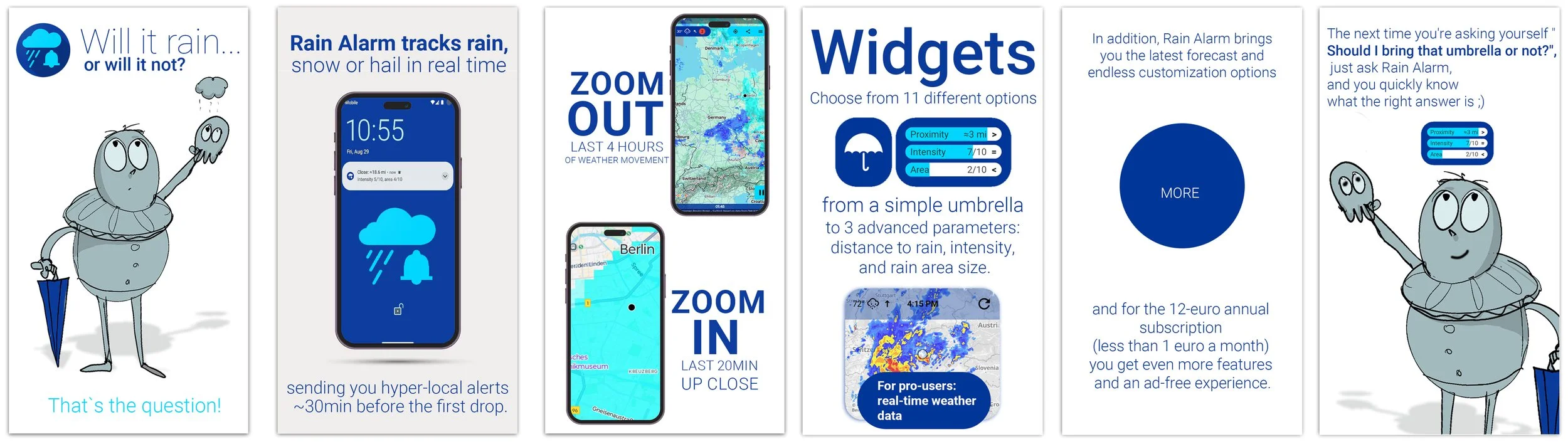
If you put these slides together it would look a bit like this.
This is super rough, and when I put it next to each other like this it might be good for example in the middle to just have a big screenshot etc of the app, so it breaks this more clean style we see here, but at least this might be a starting point.
Picture 1 and 6 can be skipped. So it could be its own test as well.
It is really so many ways to do this, but at least this shows a very different way to approach Rain Alarm. Meaning, that after having seen these slides you basically understand the main functions of the app, so even if you skip all the info you get after installing the app, you understand more or less how it functions, making it more likely you will keep the app installed, since you know what's going on, how it functions, etc.
Anyway, let me know what you think!